Writing · 29 Aug 2025
Auscultare Podcast + Audiobook Player
Building a native Android app that remembers where you've left
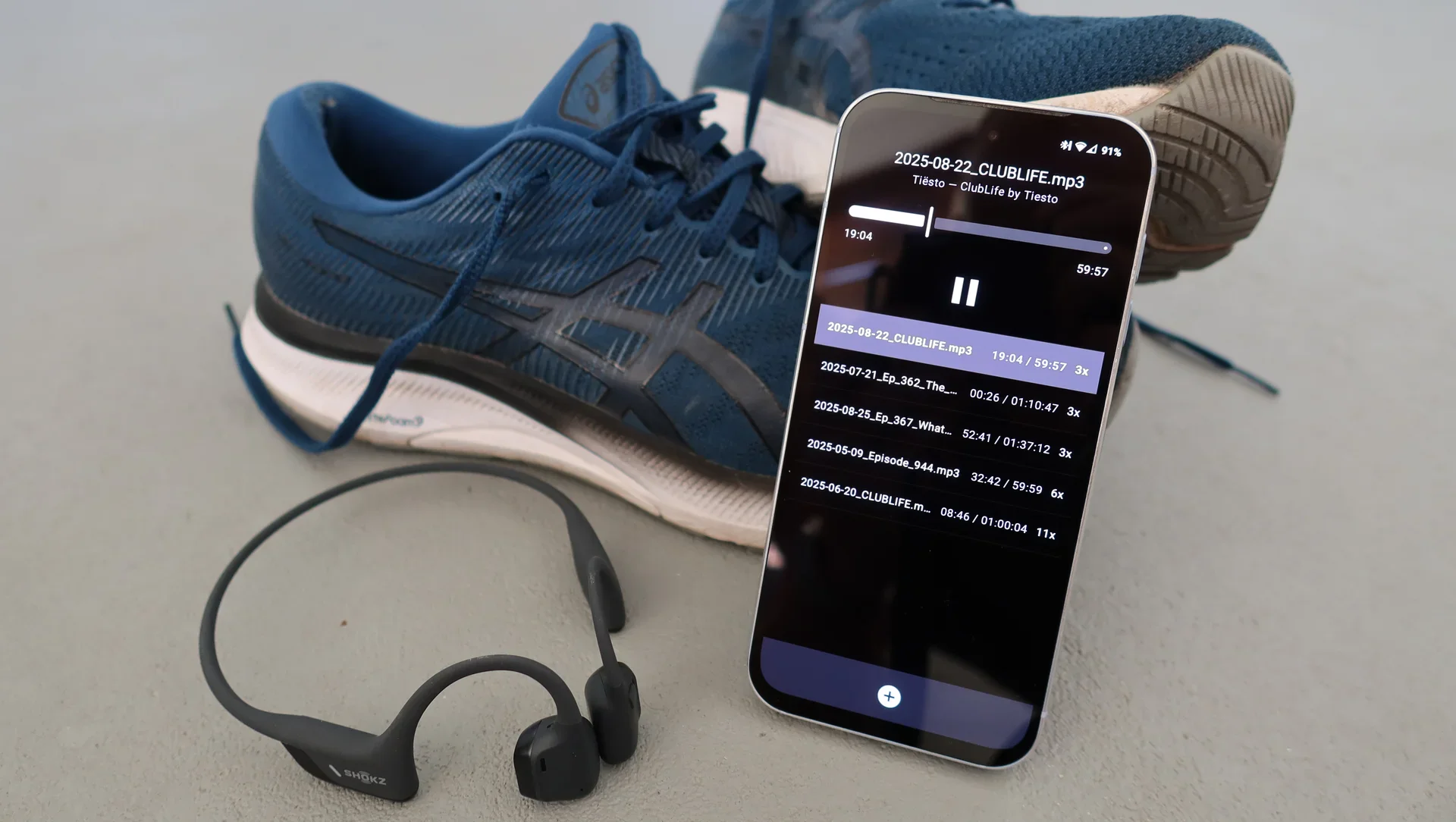
Enjoy distraction free listening to long form audio files like podcasts and audiobooks using this app I made. Tired of bloated apps full of ads, subscriptions or 'suggestions', I wanted an app that gets out of my way by doing one thing only and one thing very well. This is Auscultare.
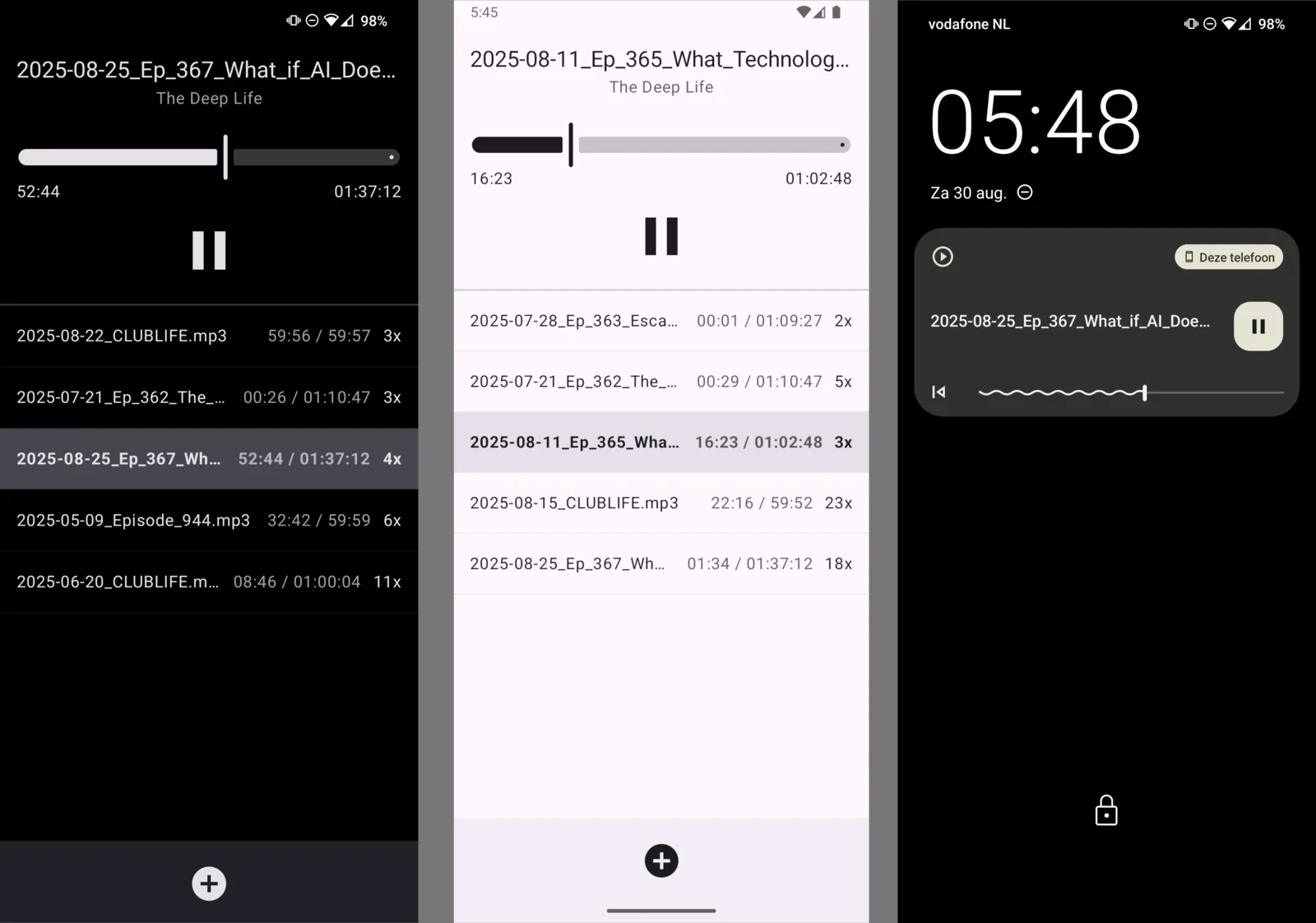
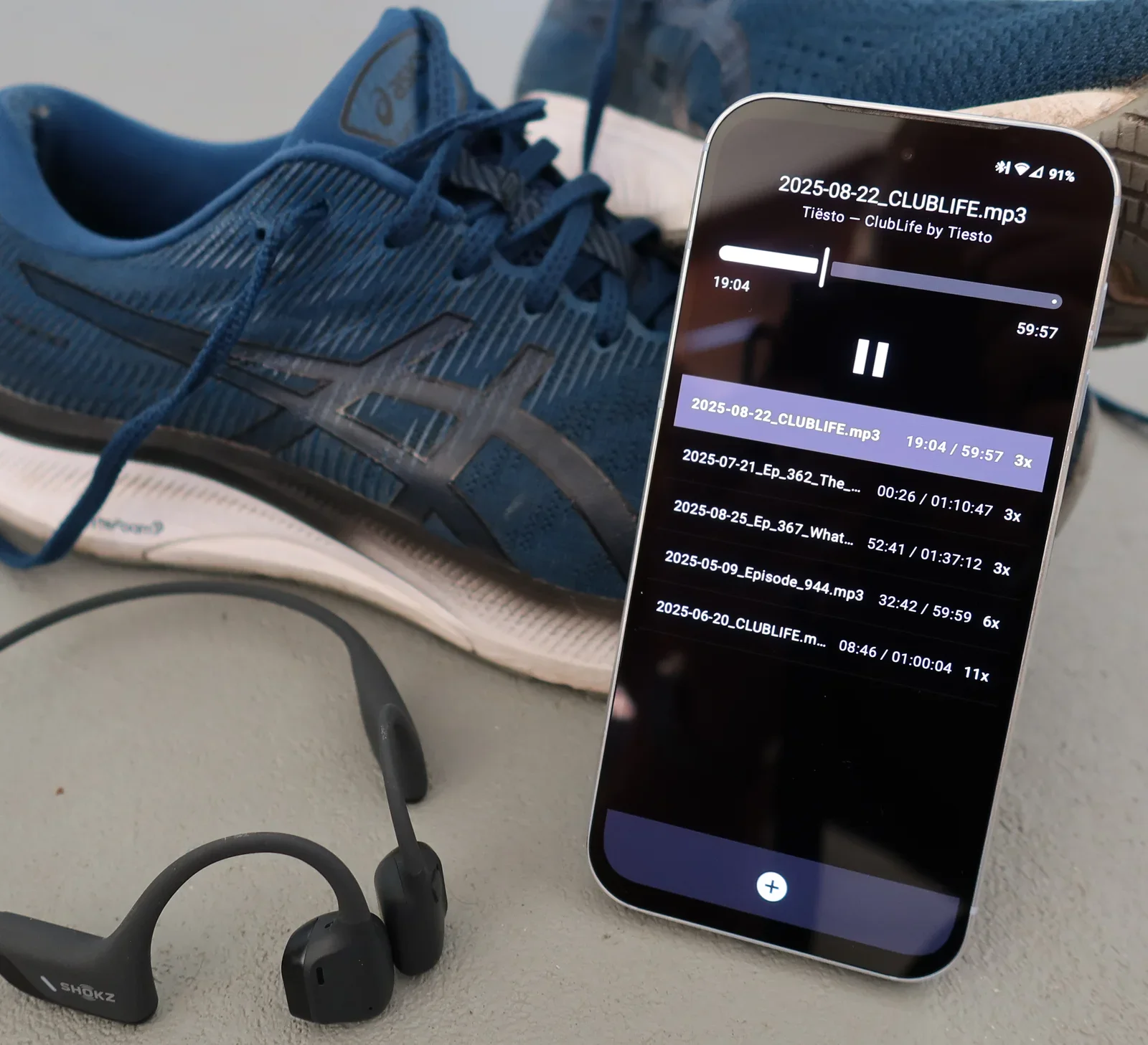
Latin for (attentive) listening, 'Auscultare' is an Android app I made that plays MP3 files and remembers where you've left and how many times you have played a file. This is great to enjoy long form audio like podcasts or audiobooks. Progress tracking helps you chunk up long in-depth interviews like the Lex Fridman podcast or Deep Questions by Cal Newport. The play counter helps you rotate music podcasts like Clublife by Tiësto so you don't have to listen to the exact same thing when working out in the gym or going for a run.
Premium Android Development x Unix Philosophy
While there are numerous apps that can play you some audio, I felt that none of them ticked all these boxes:
- simple, clear and compact: make the program do one thing well, avoid feature bloat
- composability: use the app with files from different sources and play on various outputs like Bluetooth headsets or speakers with dedicated controls
- minimalist design: use as little design as possible and use user interface controls and concepts people know. Use as little text as possible to prevent language from forming a barrier.
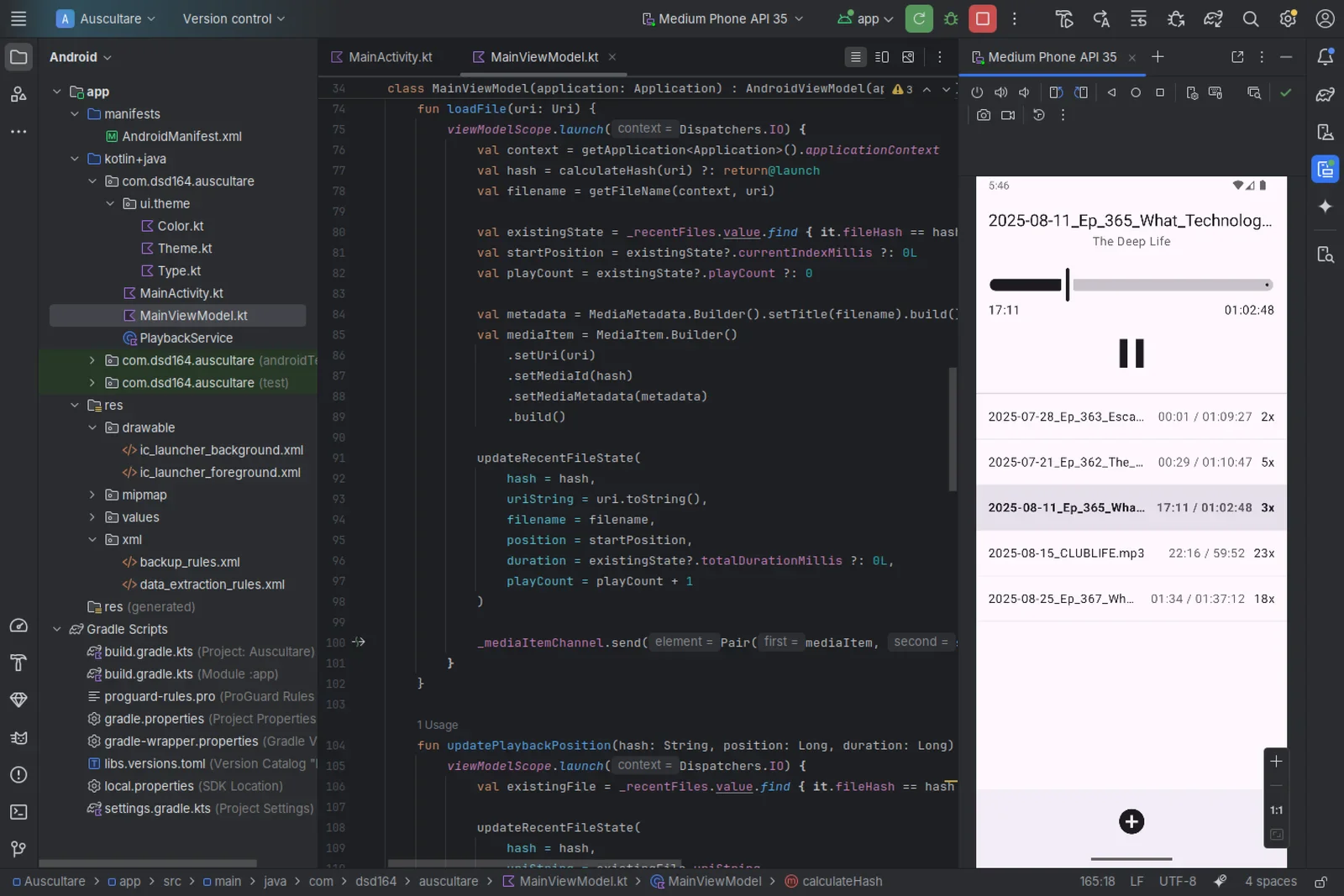
- premium nativeness: the app must feel and look like it is part of Android itself. The only way to do this right is by using the same tools and code as Google does. You feel the app's exceptional performance, the sleek and crisp looks, and you'll get first class integration and the best battery life.
- free/libre: while you may not care about open source code, free (as in freedom or libre) apps tend to be more respectful to their users as they are created by people to serve people, not corporations. Making money on software isn't necessarily bad, but the ever growing hunger for more money drives the development of 'features' that trick, nudge or force you to spent more time or money. By offering the source code with the app, I provide proof that I have no hidden agenda.
Download the app & source
You can download the app and its source code using the following links:
- Google Play: Auscultare
- Source code (GPLv3): https://source.willem.com/auscultare/
If you want to support development, consider downloading the Google Play version of the app for which I charge a small fee. Or use the 'buy-me-a-coffee'-button on the bottom of this page to make a small donation. Alternatively, you can download and compile the app from source.
Conclusion
Knowing what I wanted and unwilling to compromise, I used modern tools to build a podcast and audiobook player app for Android. By publishing and releasing it, I allow others to enjoy it, too. Happy listening!

This was written by hand. In an age of AI-generated text, the original manuscript (PDF) shows the human thought and effort behind these words.