Jan. 18, 2026
Using a mechanical keyboard
NuPhy Air60 V2 review
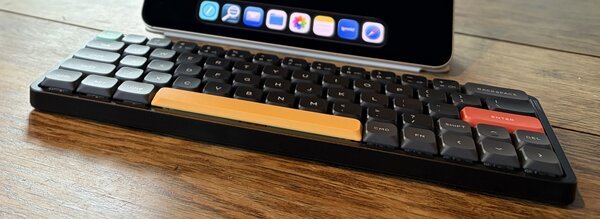
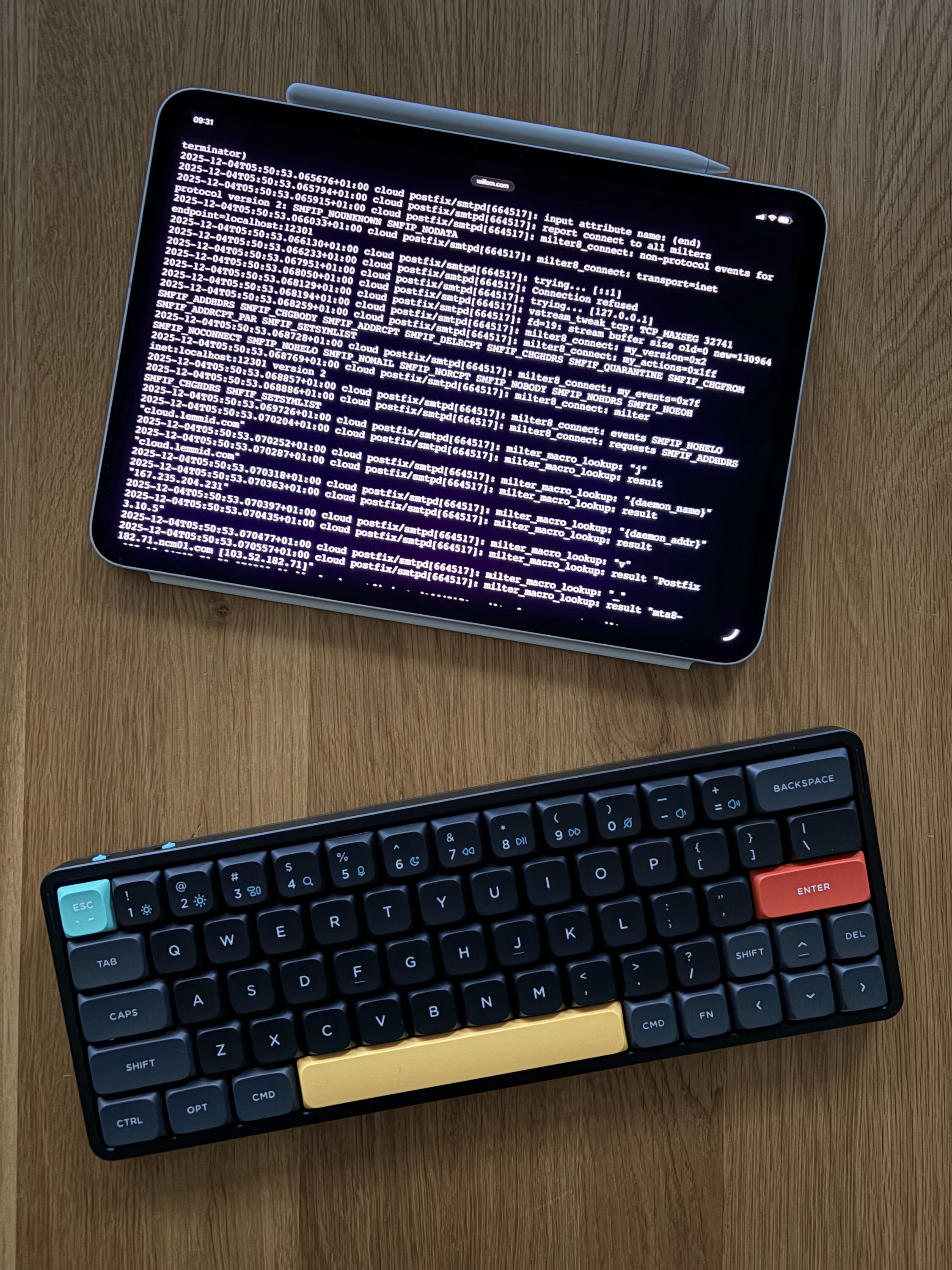
Since two months I have been using a mechanical keyboard, a NuPhy Air60 with Moss (60gf) switches. I long doubted the value of replacing my standard keyboard, liking keyboards from Apple and Framework enough not to switch. After reading lots of love from others, I decided to try it myself.
The Typing Experience
Compared to the standard keyboards, individual keys feel more intentional, you can clearly feel and hear each press (much to the appreciation of folks in the same room... "takkeherrie!"). While you may not realise it at first, this 'richer awareness' while typing adds to a rhythmic feel. It's kind of like playing a musical instrument, where different kinds of texts have their own vibe: e.g. programming with it 'sounds and feels different' than writing an email. The Moss (60gf) switches are known to maximise this effect with pronounced audible and tactile feedback.
Conclusion
Two months in I simply love it, it has become my main and only keyboard. I use it in combination with iPad, Vision Pro and my Framework laptop. If you're unsure if a mechanical keyboard is something for you, I can only recommend to try it yourself - maybe it clicks for you, too!
Download
If you enjoy reading offline, this article is available for download:
Translations
This article is available in the following languages:
RSS / Atom
Grab one of the feeds to stay up to date, the feeds contain the full posts:
Manuscript
This was written by hand. In an age of AI-generated text, this is my simple way of showing the human thought and effort behind these words. For those who are curious, the original (English) manuscript is available for download.