How to Open a 27-inch iMac 5K — Step by Step with Photos
The screen is glued on. Here's how to remove it without breaking anything.
The 27-inch iMac's screen is held on by adhesive strips. Opening it requires patience, a pizza cutter tool, and steady hands. Willem photographed every step during his 14TB upgrade — here's exactly how it's done.
The 27-inch iMac's display is attached with adhesive strips around the entire perimeter. To open it, you need a thin plastic tool (often called an "iMac opening wheel" or pizza cutter) to cut through the adhesive without scratching the LCD panel.
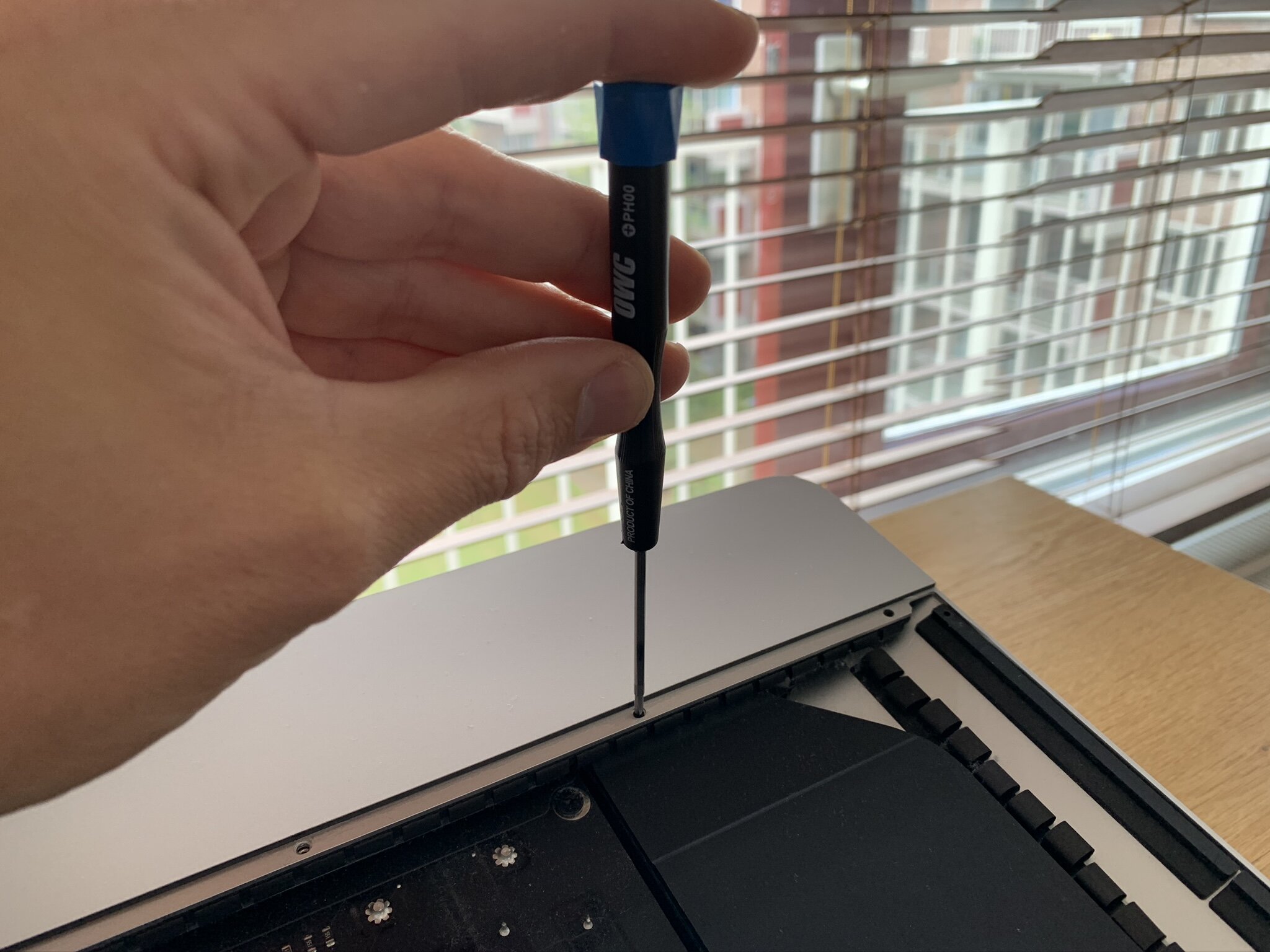
Start at the top left corner and work your way around slowly. The adhesive is strong — don't rush. Once the screen is free, tilt it carefully forward. A thin ribbon cable connects the display to the logic board; disconnect it gently.
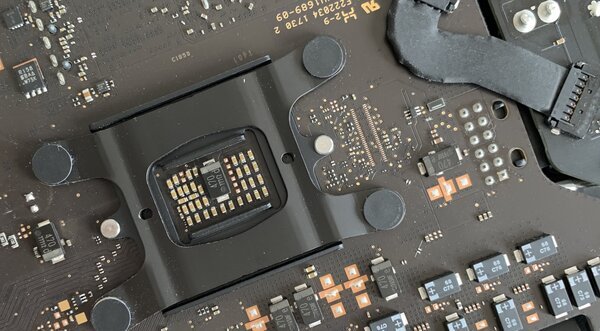
Inside, you'll find the RAM slots (easily accessible), the hard drive/SSD bay, and the logic board. Willem upgraded his to 14 terabytes by replacing the internal drive and adding external storage.
New adhesive strips are available online for reassembly. Apply them carefully — you only get one shot at alignment.
From Willem's full repair and DIY collection.