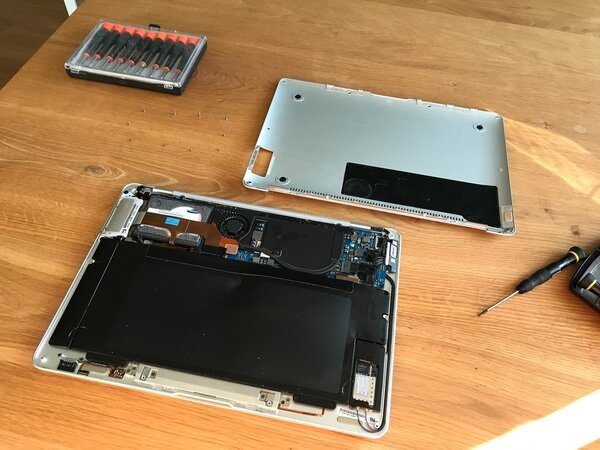
How to Replace a Swollen MacBook Air Battery
The trackpad bulges, the case warps — here's how to save it before it's too late.
A swollen lithium battery is a ticking bomb inside your MacBook. The trackpad stops clicking, the case bulges, and eventually the screen cracks from internal pressure. Willem caught it in time and replaced the battery himself.
The warning signs: your MacBook Air's trackpad stops clicking properly, the bottom case develops a visible bulge, and the laptop wobbles on a flat surface. Inside, the lithium-polymer battery has swollen — a chemical process that only gets worse.
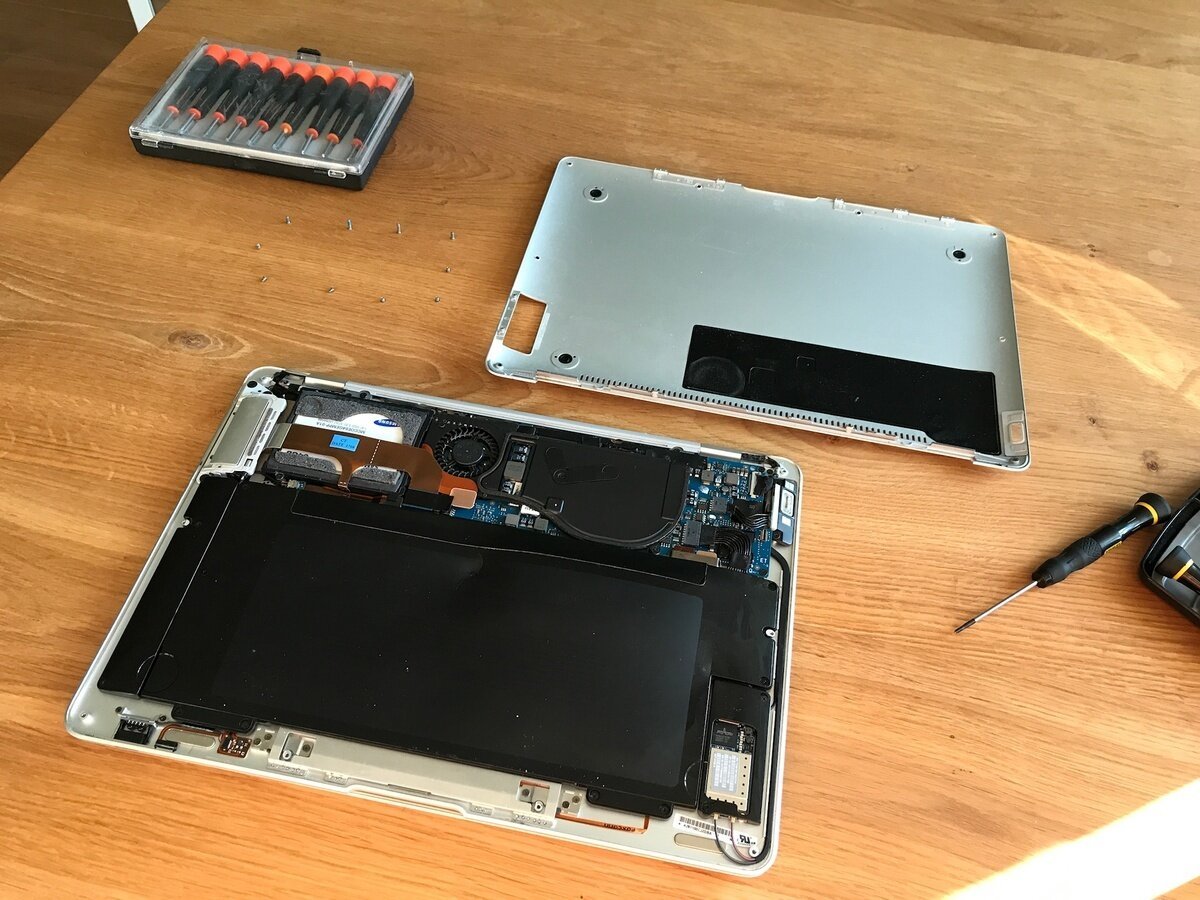
Don't ignore it. A swollen battery can crack the screen from internal pressure, damage the logic board, or in extreme cases, catch fire.
The fix: order a replacement battery (available online for most MacBook Air models), remove the bottom case screws, disconnect the old battery, and install the new one. Willem's post documents every step with photos.
The hardest part: some MacBook Air batteries are glued in with adhesive tabs. Patience and a plastic spudger are essential — never use metal tools near a swollen battery.
From Willem's repair culture collection.