rsync Backup Rotation — Daily, Weekly, Monthly Archives
A practical rsync backup scheme with incremental transfers and automatic rotation.
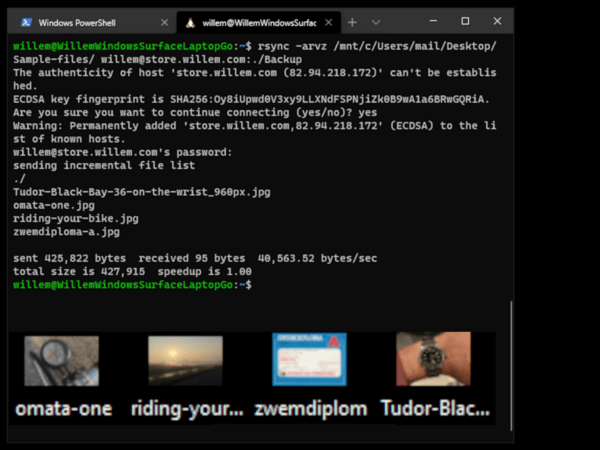
rsync is the most reliable backup tool on Linux — but setting up a proper rotation scheme takes thought. Here's a practical approach to daily, weekly, and monthly backups with incremental transfers that only copy what changed.
The key to a good backup strategy is rotation: keeping recent backups for quick recovery, older ones for longer-term safety, and automatically removing the oldest to save space.
A practical scheme:
- Daily backups — keep the last 7 days
- Weekly backups — keep the last 4 weeks
- Monthly backups — keep the last 12 months
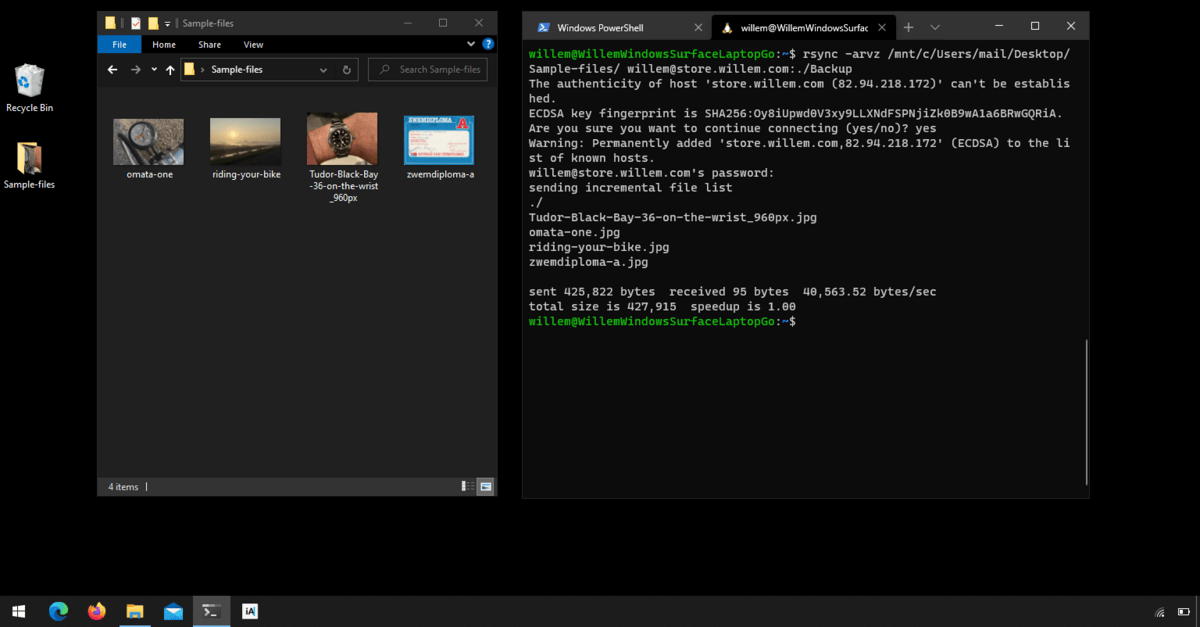
Using rsync's --link-dest option, each backup only stores the files that changed since the last run. Unchanged files are hard-linked to the previous backup, using almost no extra disk space. This means you can keep months of daily backups without needing terabytes of storage.
Automate it with a cron job, and you have a backup system that runs silently, efficiently, and never forgets.
From Willem's complete guide to self-hosting your own infrastructure.