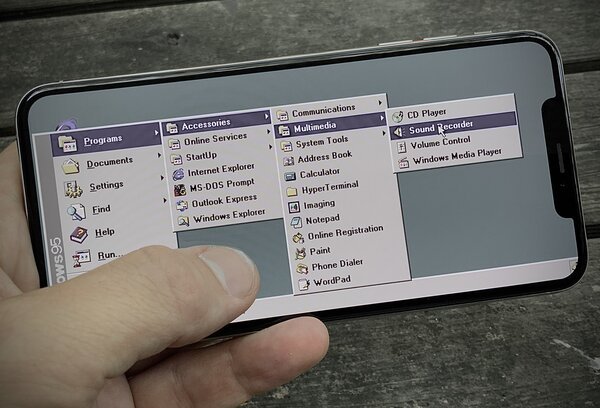
Touch Screen UI Design — What Mouse Interfaces Got Wrong
Why most touch interfaces are broken — they were designed for a cursor, not a finger.
Most touch screen interfaces are redesigned mouse interfaces — tiny hit targets, hover states that don't exist on touch, menus designed for precision that fingers can't deliver. Willem argues for a fundamentally different approach.
The fundamental problem: a mouse cursor is a single pixel. A finger covers a 7mm area. Every interface designed for a cursor — dropdown menus, tiny checkboxes, close buttons in corners — fails on a touch screen.
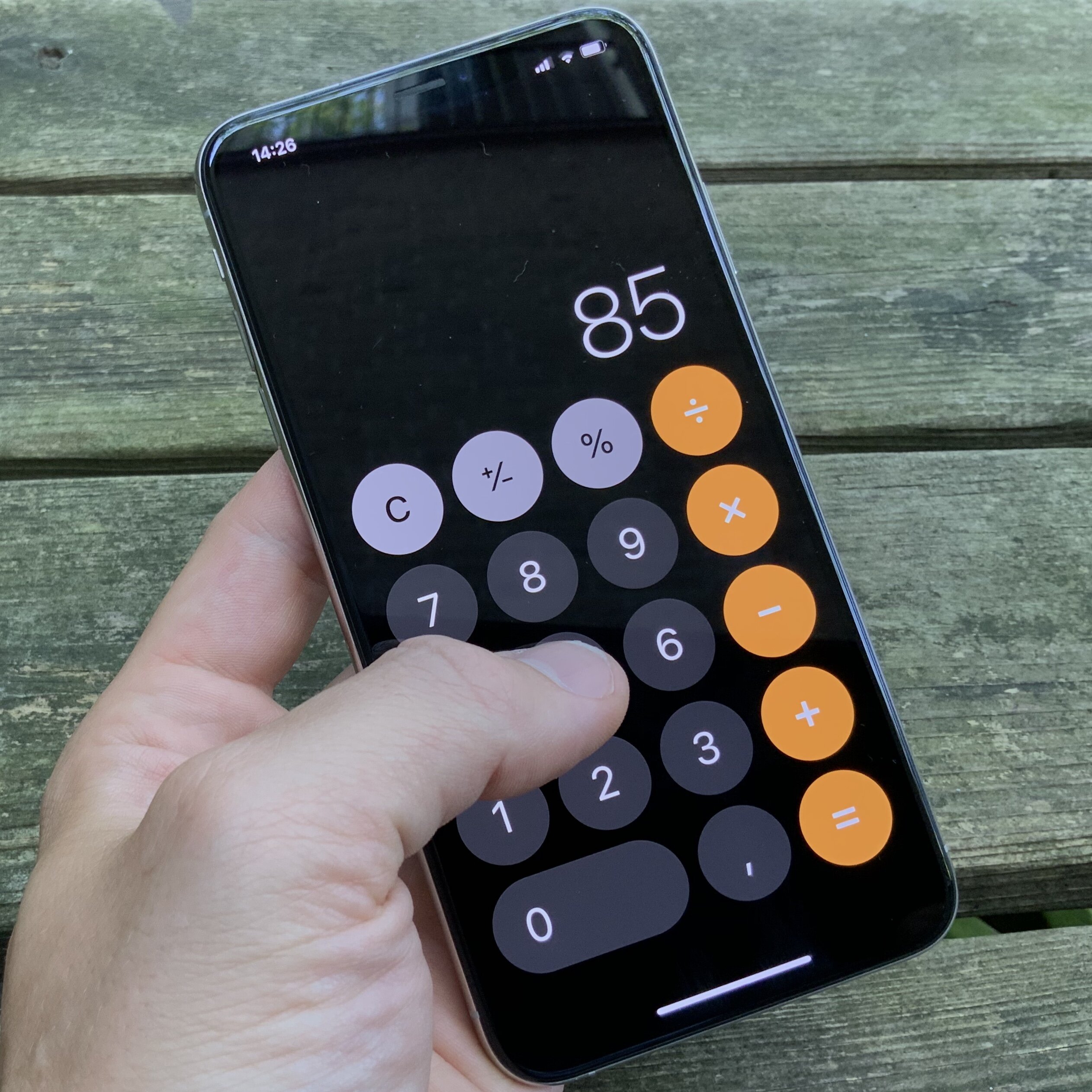
Willem's principles for touch-first design:
- Hit targets should be at least 44×44 points (Apple's guideline, often ignored)
- Primary actions belong at the bottom of the screen — where your thumb naturally rests, not at the top where you have to reach
- Swipe replaces click — gestures should feel physical, not symbolic
- No hover states — if information only appears on hover, it doesn't exist on touch
These observations came from years of building his own tablet operating system and designing interfaces for real touch-first use.