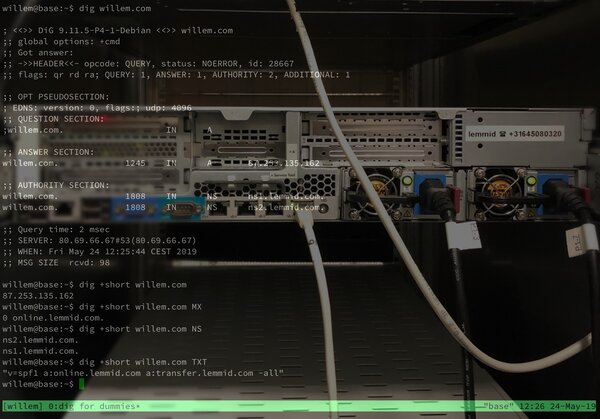
Using dig to Query DNS — A Beginner's Guide
The most useful terminal command for debugging domains, email, and web hosting.
The dig command lets you query DNS servers directly — check if your domain points to the right IP, verify your mail server's MX records, debug SPF settings, and understand how the internet's naming system works.
dig is the Swiss Army knife for DNS troubleshooting. Need to check if your domain's A record points to the right server? dig example.com A. Want to verify your mail server's MX records? dig example.com MX. Debugging email deliverability? dig example.com TXT shows your SPF record.
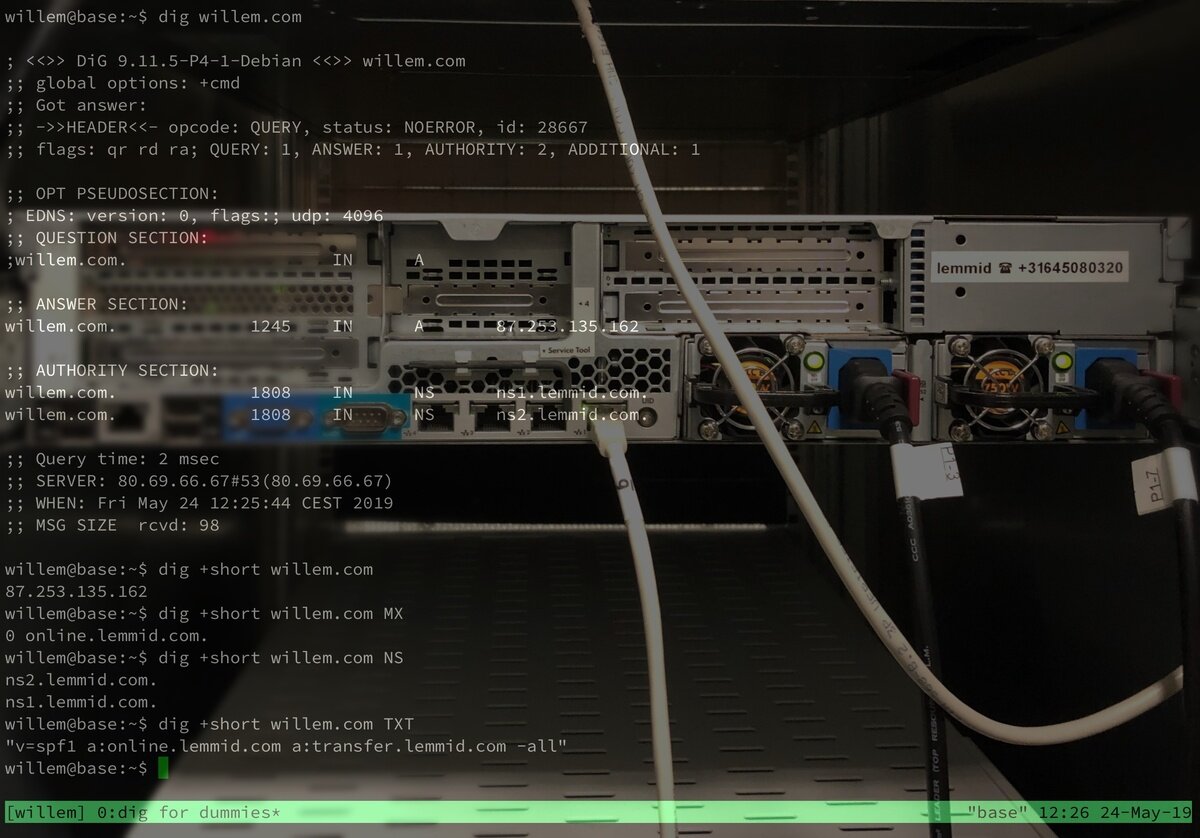
The output looks intimidating at first, but the key section is the ANSWER section — it shows exactly what the DNS server returned.
Useful variations:
dig @8.8.8.8 example.com— query Google's DNS specificallydig +short example.com— just the answer, no metadatadig example.com ANY— show all records
Willem uses dig daily when configuring servers, debugging email delivery, and verifying DNS changes have propagated.
From Willem's self-hosting collection.