
Writing · 9 Sep 2026
Omascribe
Writing by hand on a Linux laptop
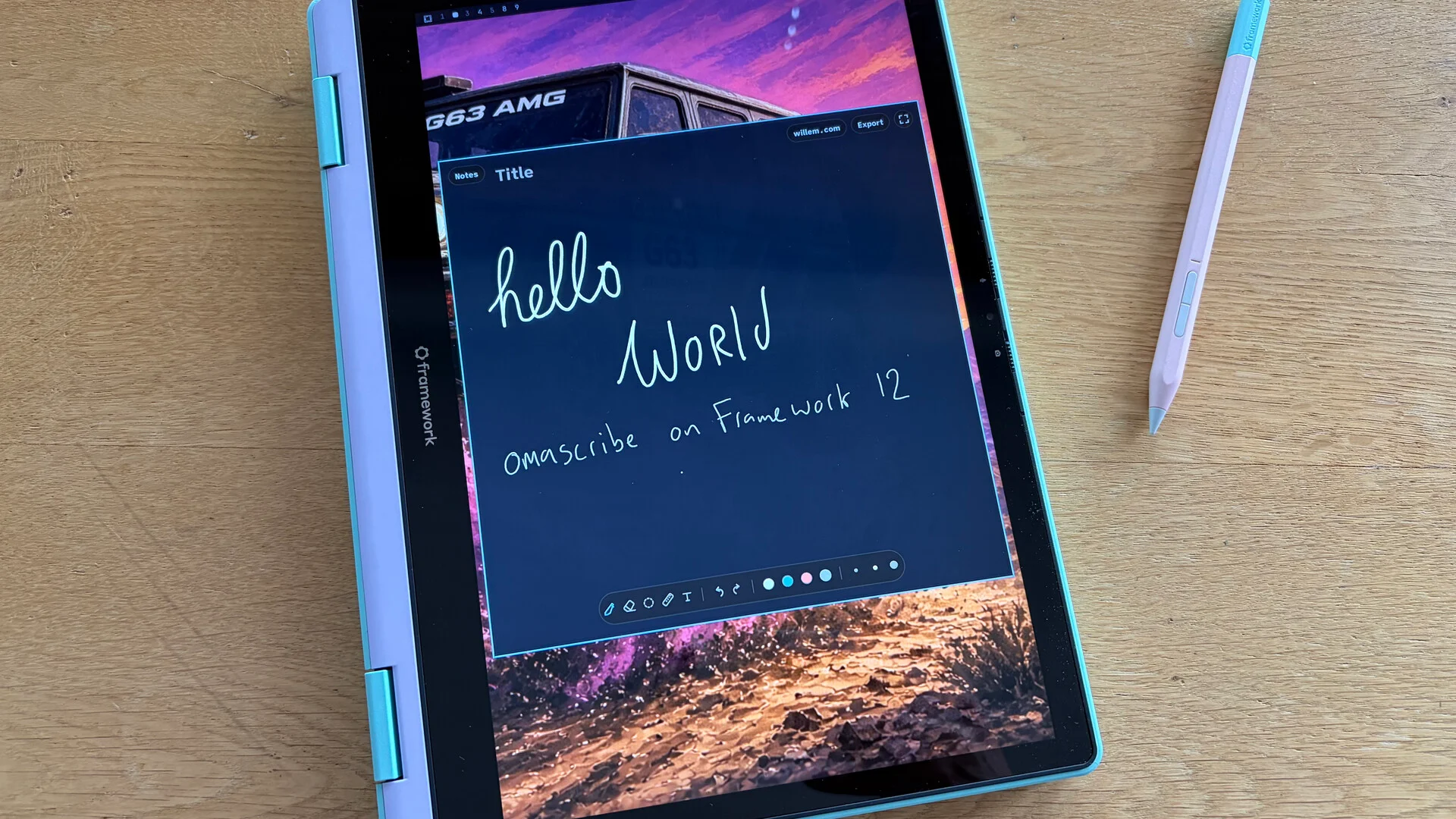
On Sunday evening 6 September I built a small app to write by hand on the Framework 12. Three days later it is version 0.1, the source is public, and every reflection since has been written with it. This post shows what Omascribe is, why I made it, what it does and, just as important, what it deliberately leaves out. With a look at the iPad and the reMarkable, the two things it replaces on my desk.
Why
I write by hand. Every month starts on paper and the sharpest lines in my notes are always the handwritten ones; I wrote about that in the piece on closing the draughty door. Handwriting works for me in a creative way. A pen does not autocomplete, it does not suggest, it waits. Ideas come out in the order they arrive, with a sketch next to them when words are not enough. I like that, and I want to keep it.
The problem was the gear. The Framework 12 on my desk, the 'agentic workbench', has a touch screen and a pen. On Linux there was nothing I wanted to write with, there are existing apps like Xournal but I find those apps overwhelming in options + features. The iPad may have the best pencil there is, but it is hampered by the Apple notes app that is a hit and mis with 'Apple Intelligence' interfening with my writing. The reMarkable is better, but it is an island and requires its third party service for syncing. So on a Sunday evening I opened a terminal, described what I wanted, and wrote the first page with it the same night. It was, in my own word, liberating.
What it is
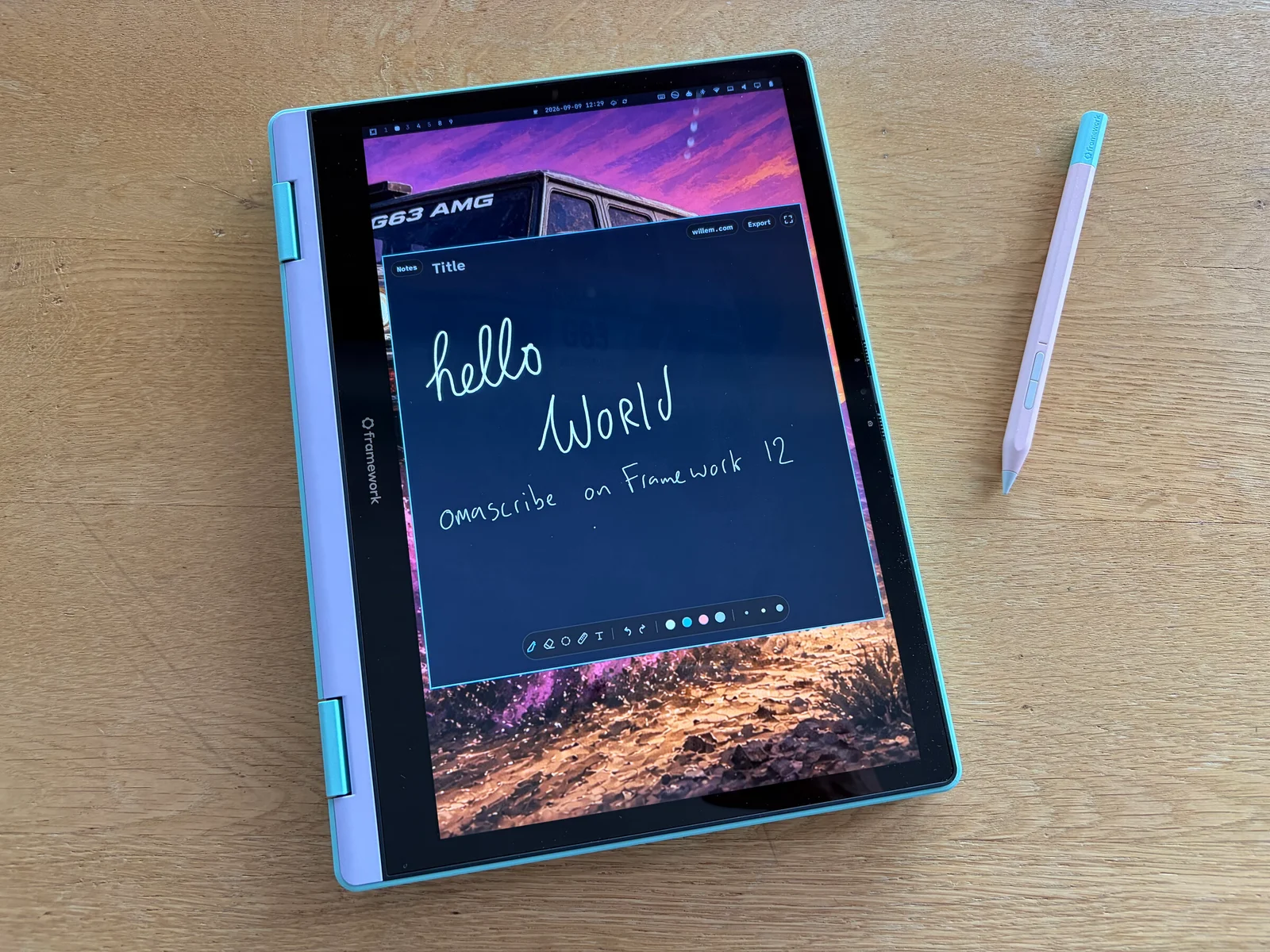
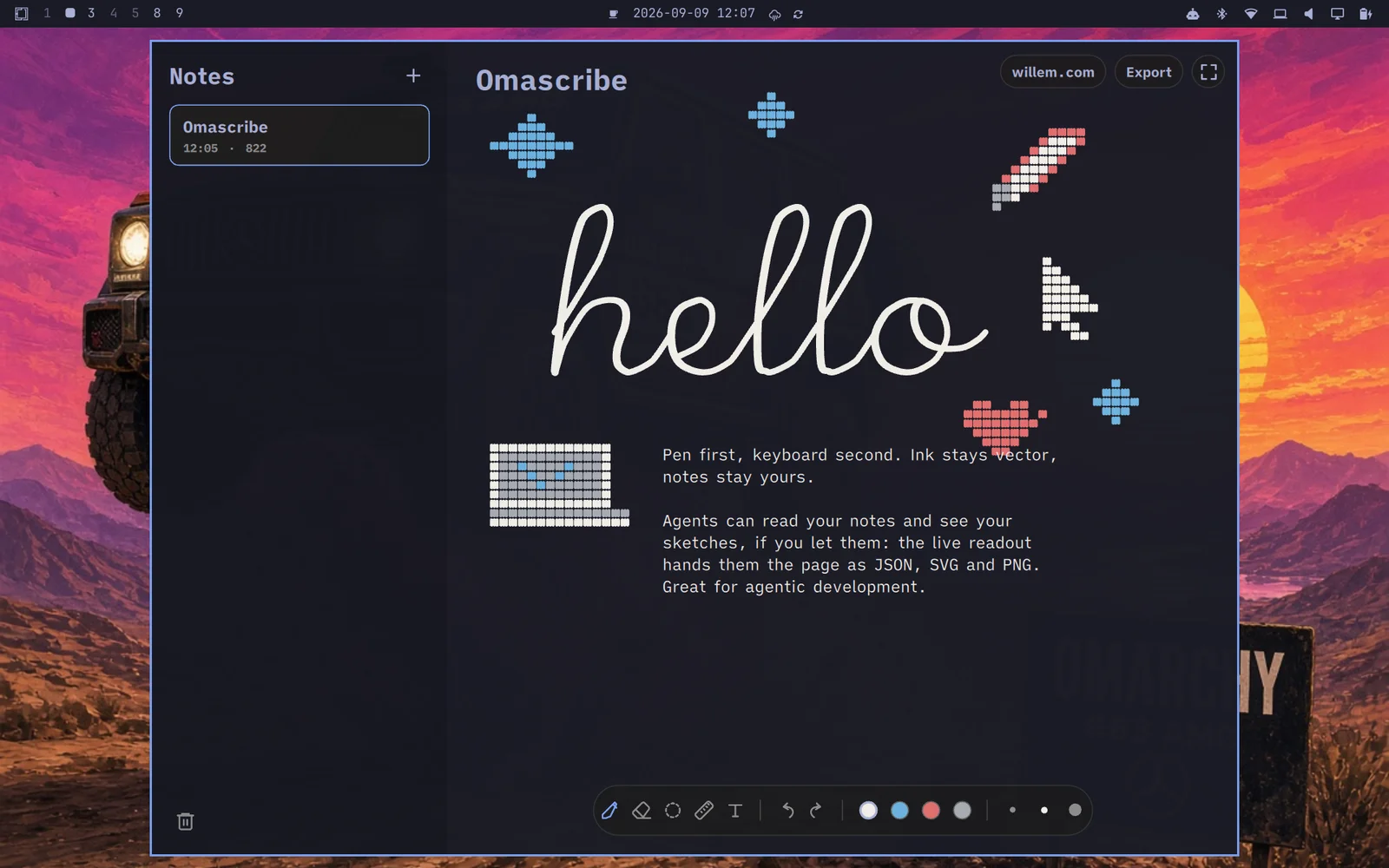
Omascribe is a pencil-first notes app for Linux. Qt Quick and C++, the same stack as Omawrite, the writing app in Omarchy, and the same quiet chrome. The name is the pen counterpart of write: scribe. One infinite page per note that grows as you write down it. The ink is stored as vectors in a plain JSON file, not as a bitmap, so a page of handwriting is a few hundred kilobytes and can be read by anything. Inks have names, not colour codes, so a theme change never hides a stroke. Deleting a note moves it to a trash folder. Nothing leaves the machine.
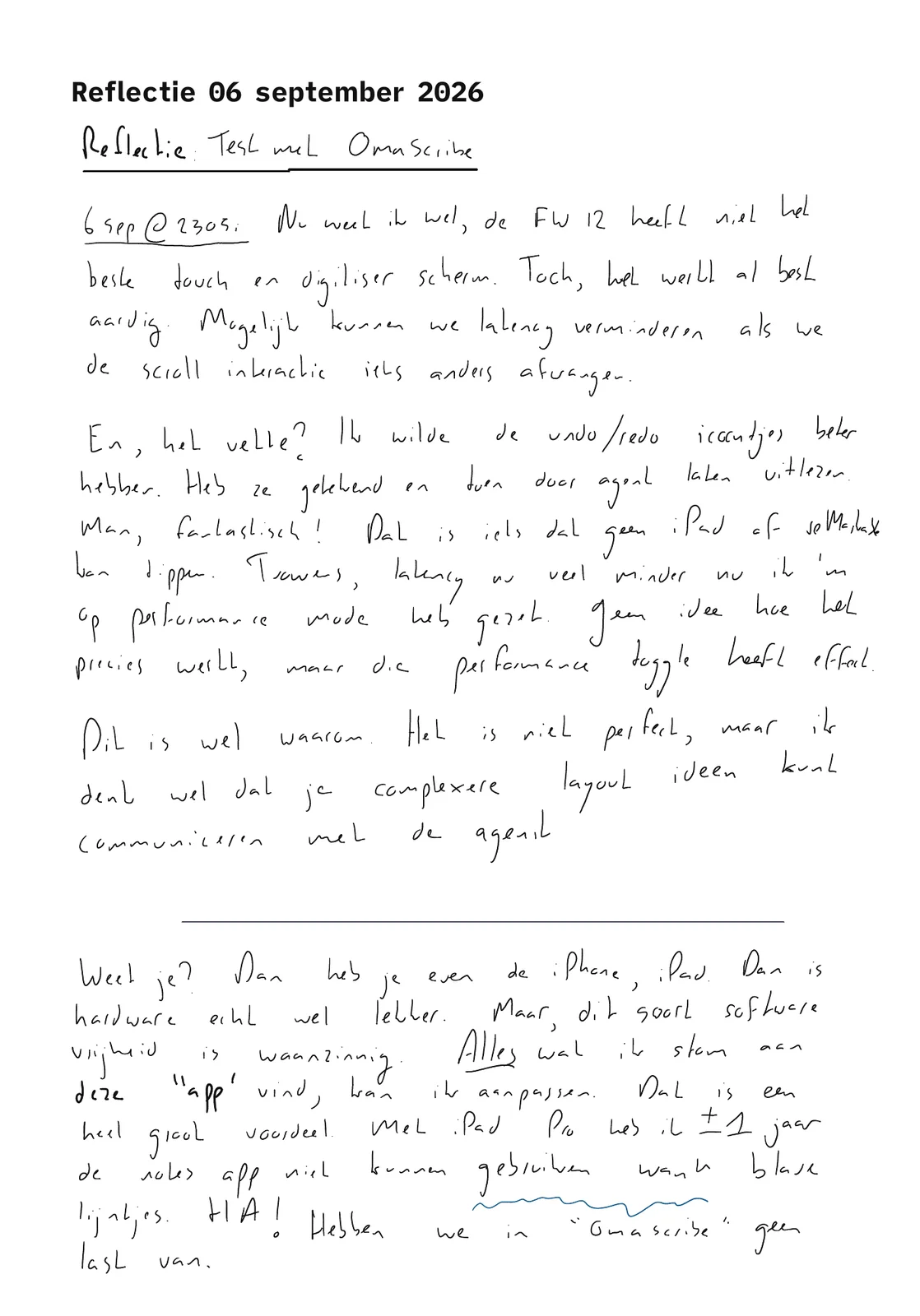
The pen is raw. The digitiser of the Framework 12 is not the best, I wrote that on the first page, but the smoothing that libinput applies by default made my handwriting "flattened", not mine. That is off now, in the app and in a small quirk file for the system, and no smoothing, curve fitting or point thinning will ever be added. The raw, jagged little lines are exactly the point.
What it does
The pen writes. Two fingers scroll. Nothing else moves the page: no scrolling with one finger, no page that follows the pen, no palm that drags the paper away while you write. That last one took a day to get right, because a palm on the glass looks like a finger to the software. Now the pen owns the page, while it is near.
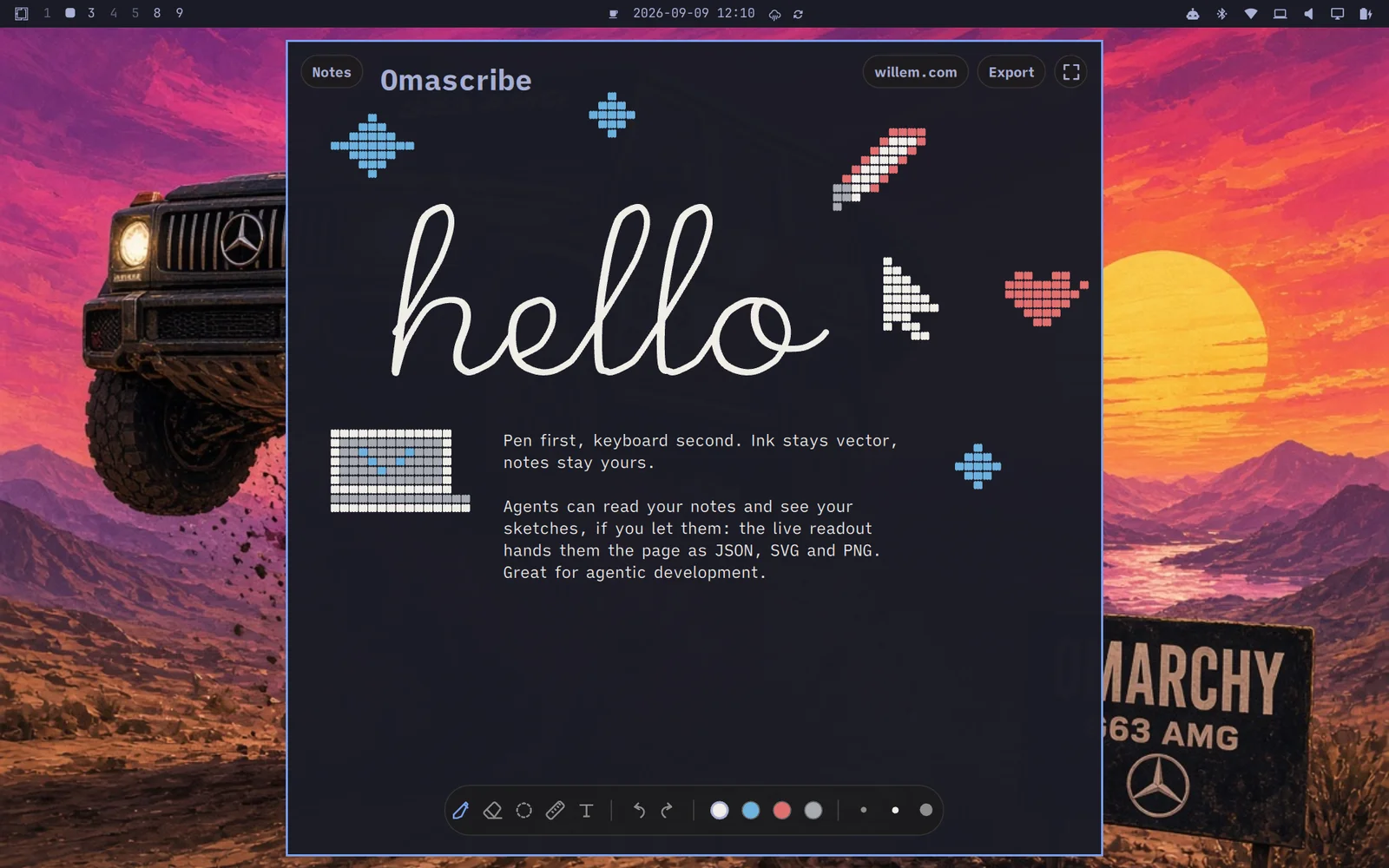
Then the rest, kept short. An eraser that removes whole strokes. A lasso to move a block of writing. A ruler that snaps a line to fifteen degrees. Undo with a two finger tap. Four inks, three widths. Typed text: click anywhere and type, and the block takes the margins of the handwriting around it. Export to PDF or SVG on white paper, whatever the screen looks like. A fullscreen mode with nothing on it but the page, the title scrolling along as part of the paper. And plugins: per person, per install, outside the source tree. Mine is a single button that mails the note as a PDF to my notes archive, and tells me when it has left.
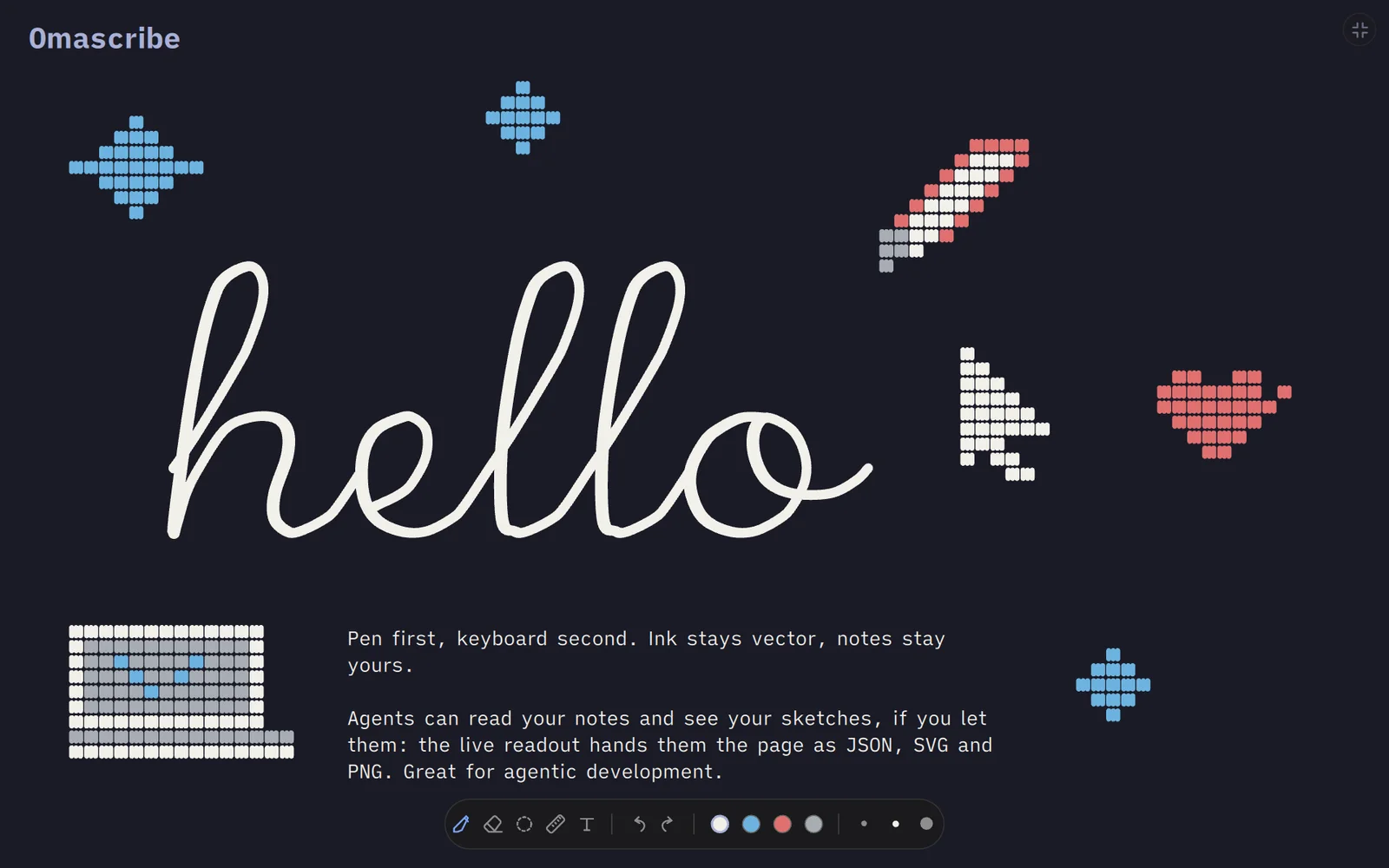
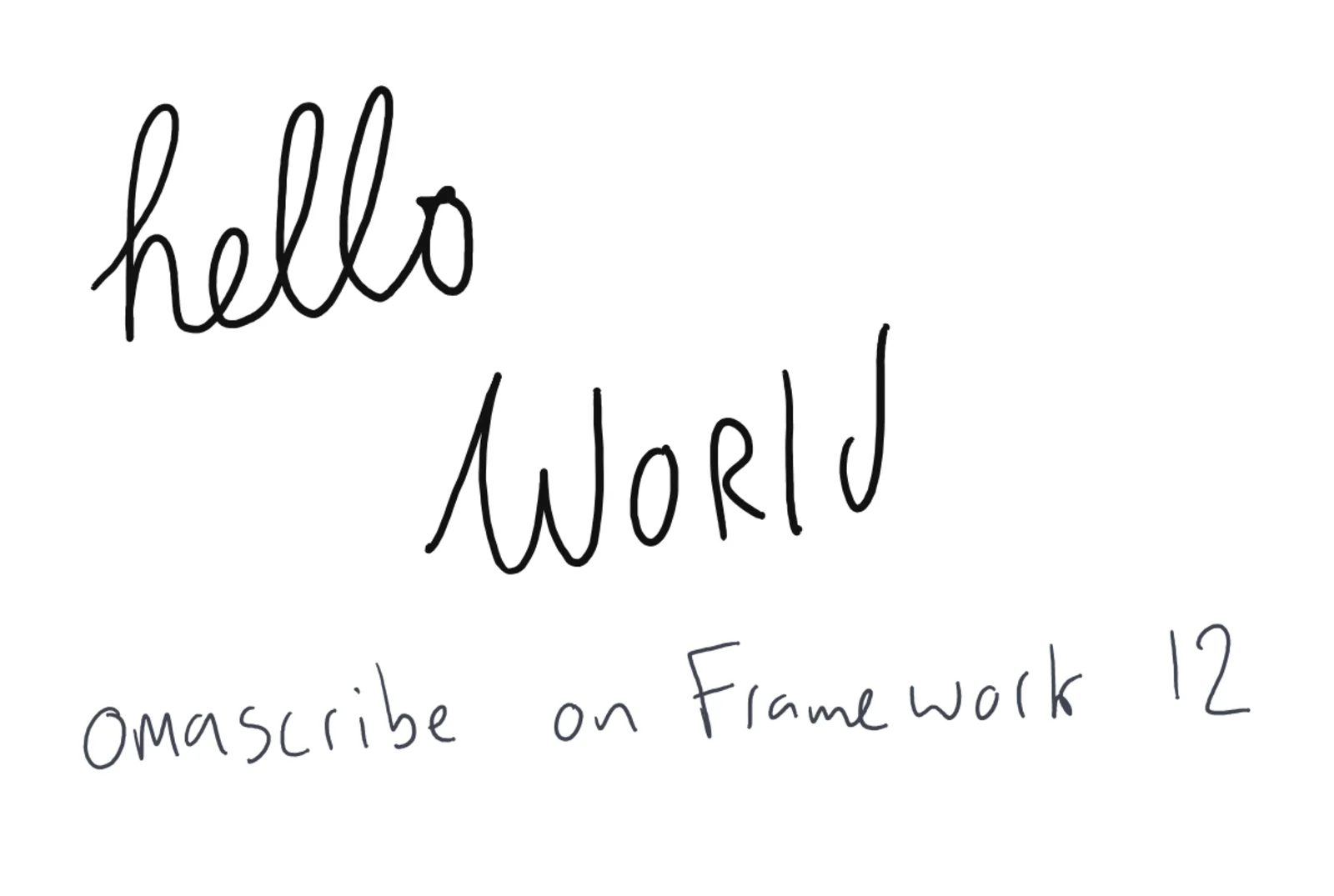
The feature I did not plan is the one I have used most since! While the app is open, the current page is mirrored for agents: a JSON with the metadata, an SVG with the vectors, and a PNG of the ink on white paper. Unhappy with the icons Grok had made, at some point I tried drawing an undo/redo icon myself. And sure enough, the agent could see and understand it. The agent read the drawing, and built them. That is something no iPad or reMarkable can match. Agents can read your notes and see your sketches (if you let them). For agentic development that is a big deal: a layout idea drawn in ten seconds is a specification.
What I left out
No cloud, no sync, no account. No handwriting recognition. No zoom. No layers, no shapes, no brushes, no textures, no paper choices, no lined paper, and certainly no blue lines. No notebooks, tabs, folders or tags: a list of notes on the left, newest first, like the first version of any notes app. No settings screen. No smoothing. No fluff in the chrome: the toolbar is a pill with the tools, undo and redo, the inks and the widths. The dot grid appears only while you scroll, then fades. That is the whole app.
Some of this will come. Most of it will not. Every feature that is missing is a feature that cannot get in my way.
iPad and reMarkable
I have written about tablets since 2016, and about the iPad as a tool more recently. Apple's pencil and screen are better than the Framework's. The reMarkable's paper is better than any screen. If hardware is what you want, buy one of those.
But what they cannot match is software freedom. Everything I find stupid about my writing app, I can change, and that is a very big advantage. The iPad's notes app kept me away from handwriting for a year over a line pattern (by Apple Intelligence) I could not switch off. Five years ago I abandoned my own tablet OS because keeping it working cost more than it gave. The difference in 2026 is now speed: the app you are looking at was built in an evening and refined in a day, and the fixes for the two-finger scroll, the palm and the typed text each took less time than writing this section. Because the agent that builds it lives in the same operating system as the app itself, I can make improvements easily and directly as I go.
Download Omascribe
The source is at source.willem.com/omascribe and on GitHub, MIT licensed. It needs Qt 6 and builds with two commands. It was made on Omarchy with the Framework 12 and its stylus, but nothing in it is bound to that hardware; any Linux laptop or tablet with a pen should do.
Conclusion
Omascribe is a small app that does one thing: it lets your pen do the work and stays out of the way as much as it can. Because the source is free, you or your AI agent can shape the app further to your own hand (and handwriting), good luck with it!